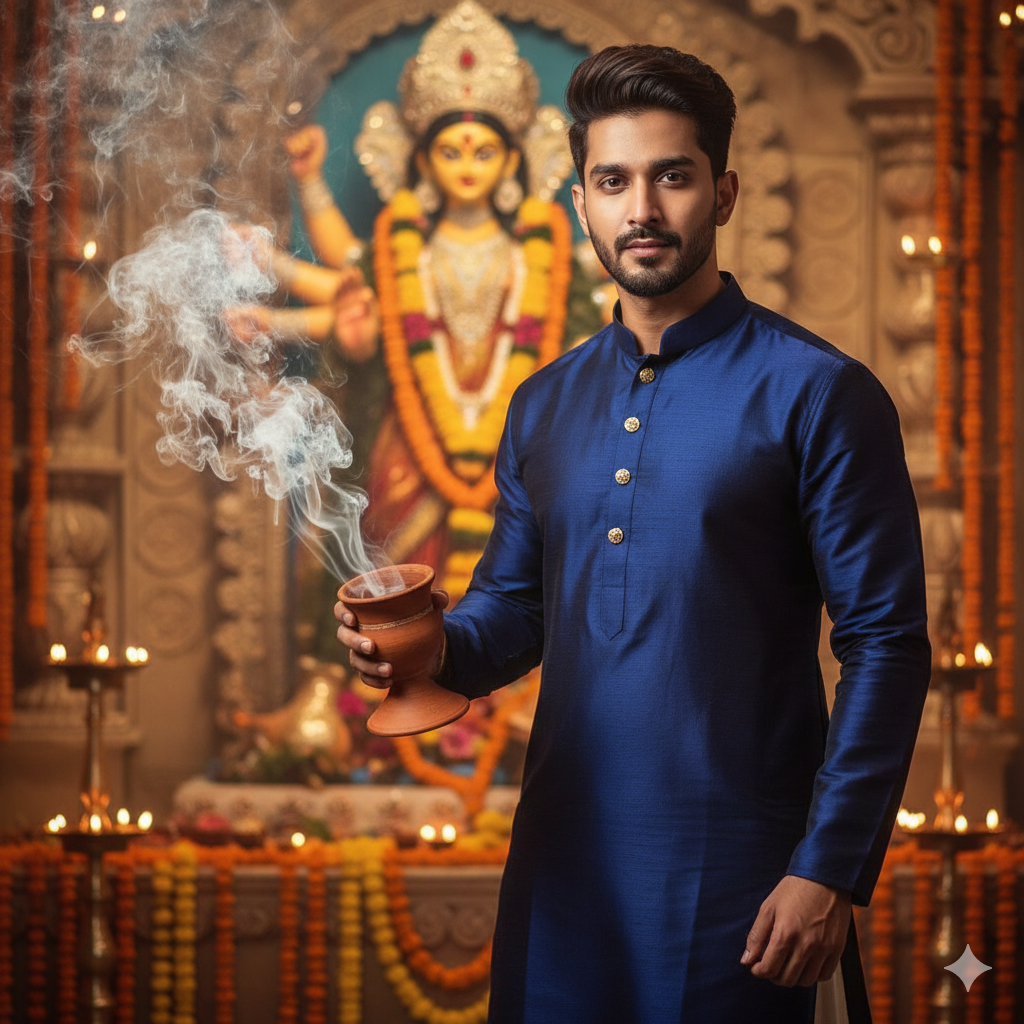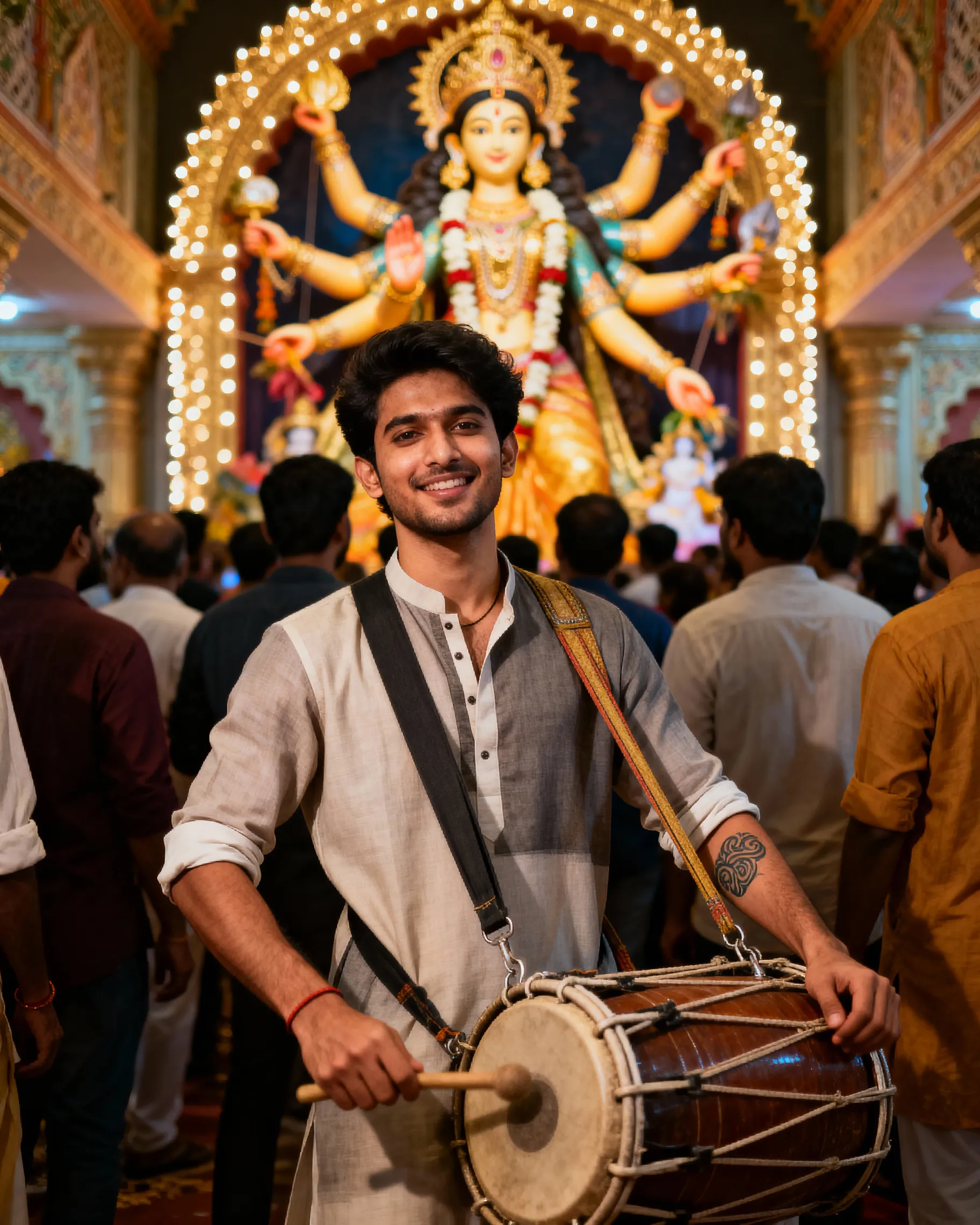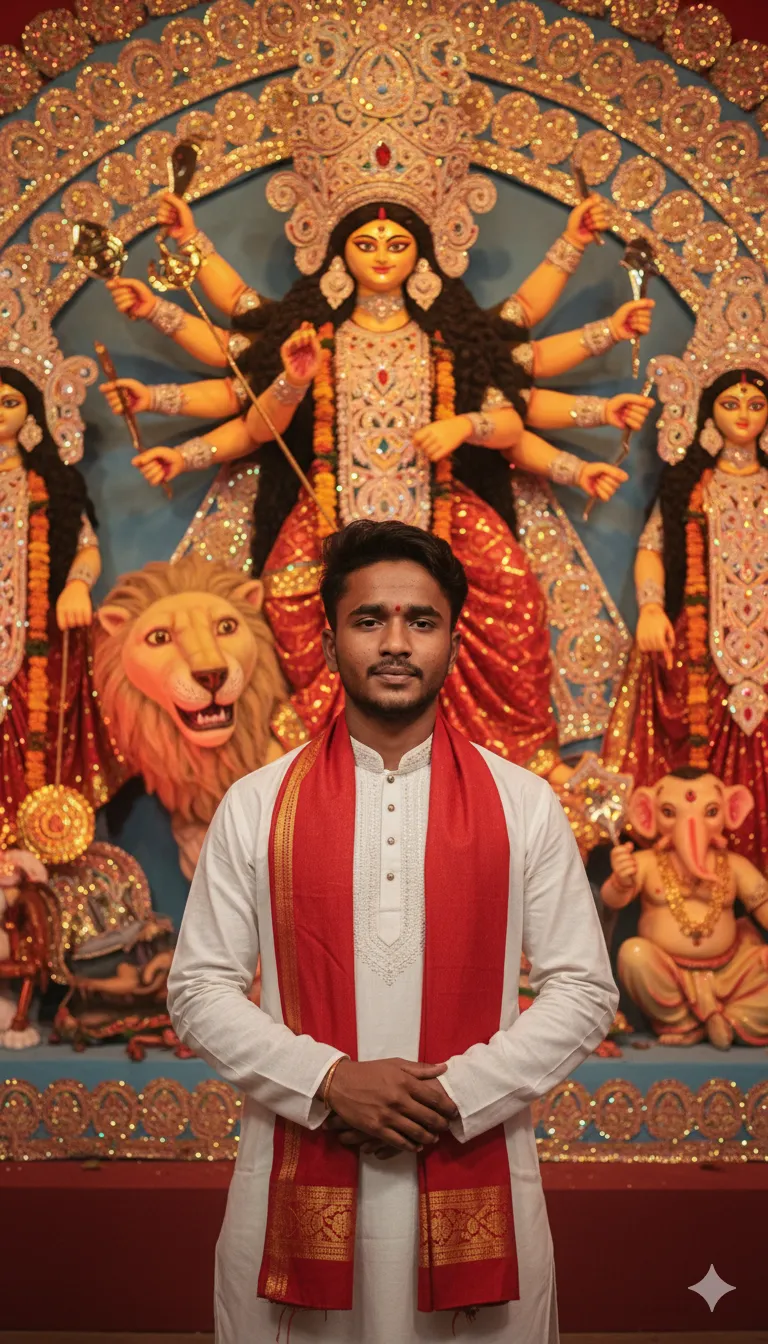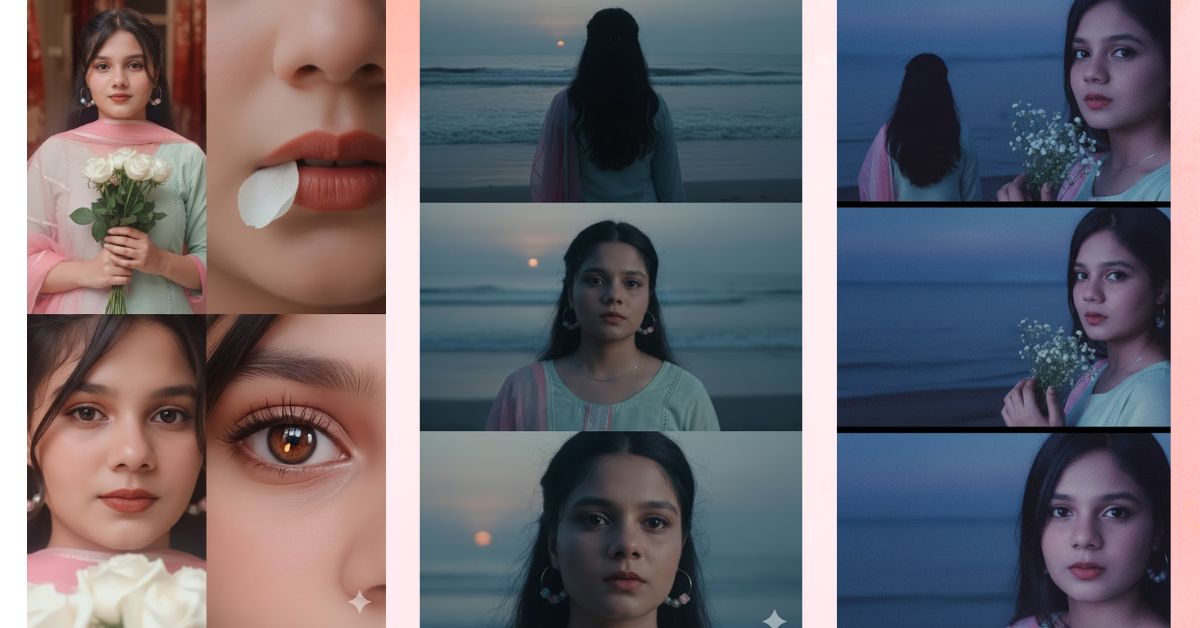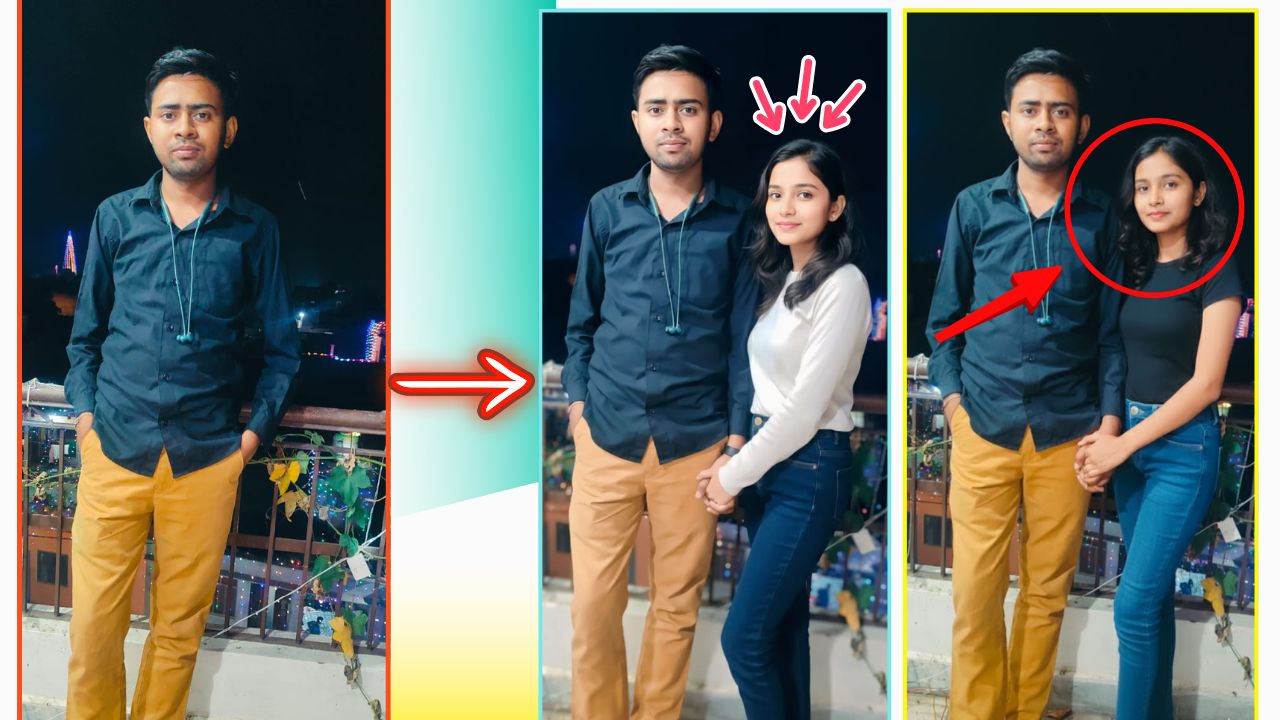
Google Gemini Photo Editing :- Social media users have been using Google Gemini’s image editing tool to create mesmerising portraits, as technology meets tradition during the festive season. Amid a viral trend of creating AI images, users have been transforming their selfies into stunning Durga Puja-inspired AI portraits using some specific prompts with the help of the Nano Banana tool.
Social media users are transforming their selfies into stunning Durga Puja-inspired AI portraits using some specific prompts.
Here’s how you can hop on the viral trend:
Step 1:- Download the Gemini app from the Google Play Store or Apple App Store.
Step 2:- Sign in using your Google account.

Step 3:- Upload the pictures of yourself.
Step 4:- Enter a prompt. You can either write your own or use ready-made prompts that are circulating online.
Step 5:- Tap the send button, and Gemini will generate your image. You can then download and share it.
Also Read :- 5 Easy Google Gemini Photo Editing Prompts To Create Amazing Durga Puja Looks . Here Are Five Easy Prompts For Men To Create Durga Puja Looks
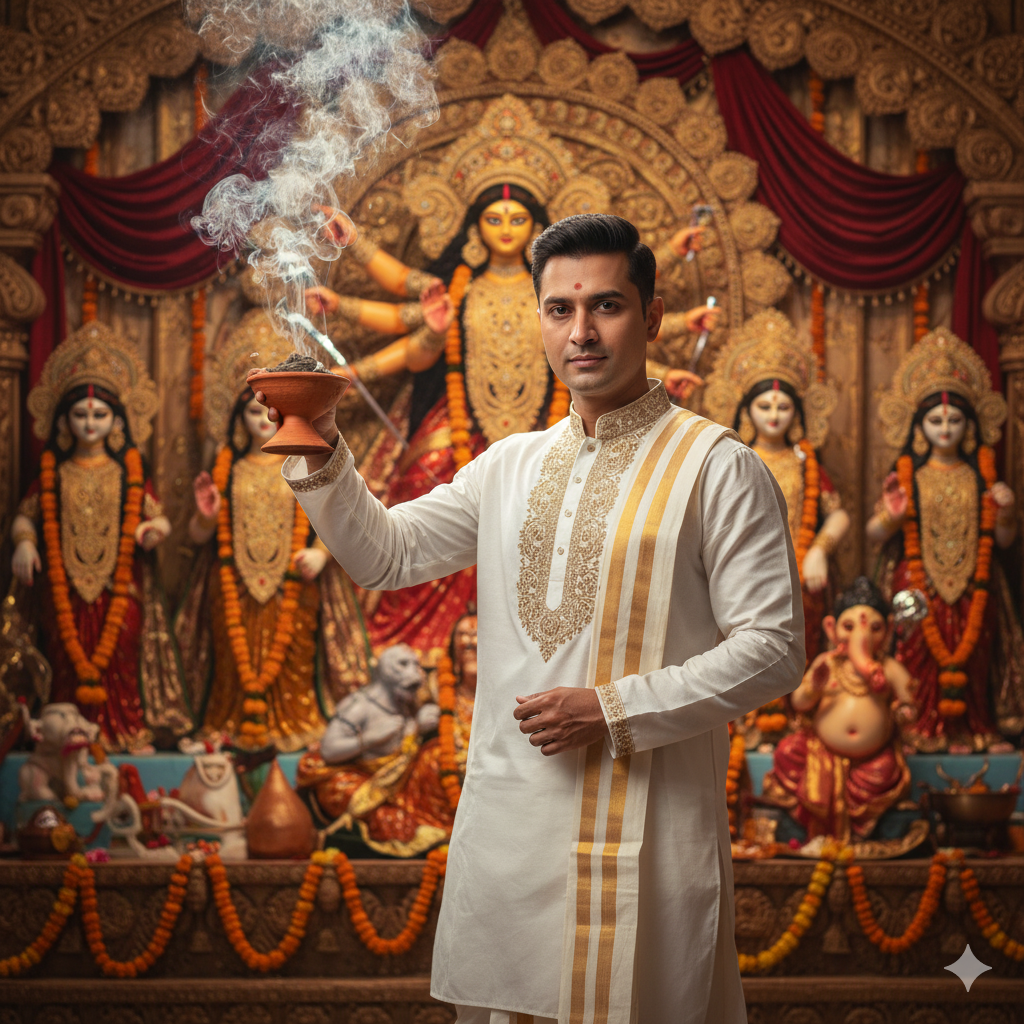
Prompt 1:-
For this style, the users can write – “Generate a 4K HD portrait of a man wearing a white kurta with intricate golden embroidery, paired with a traditional dhoti. In one hand, he should have a dhunuchi, with smoke rising in the air. Background should feature a beautifully decorated Durga Puja pandal with soft golden lighting.”

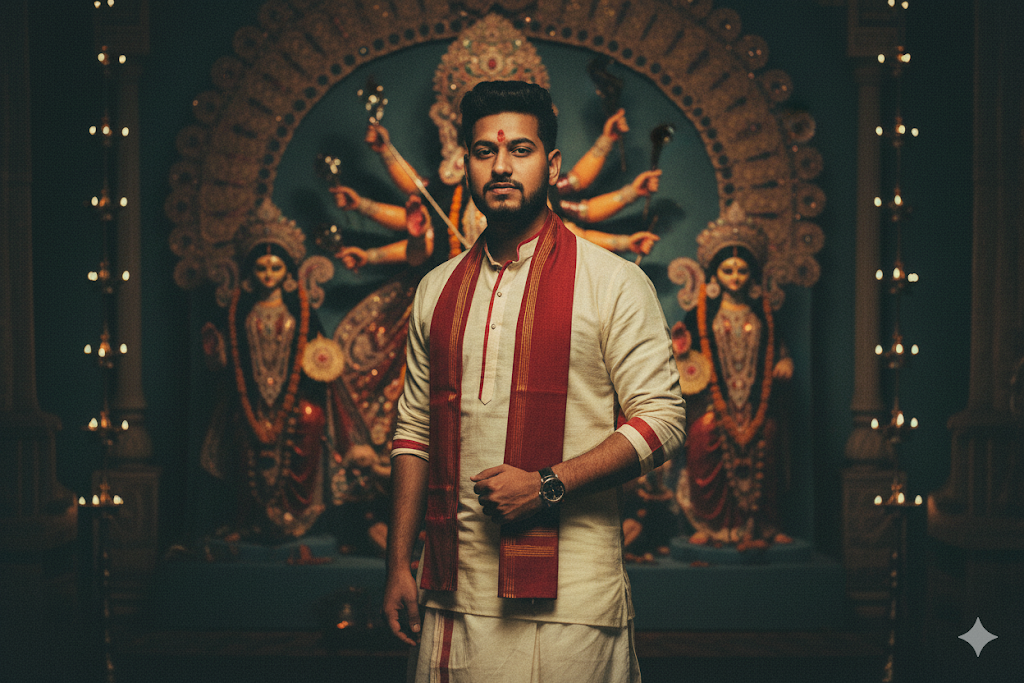
Prompt 2:-
Users can create this look by writing – “Produce a retro vintage-style image of a man dressed in a classic Bengali-style attire with a red border, paired with matching accessories. Background should have a Durga Maa idol in a pandal with a grainy texture and dramatic contrasts.”Google Gemini Photo Editing
Prompt 3:-
The users can write – “Create a cinematic portrait of a man in a sleek black sherwani with subtle red accents, complemented by a stylish pagri. Set against a vibrant Durga Puja backdrop with diyas and marigold garlands.”